Purchasing and Using Tokens
To purchase tokens on the platform, go to the Settings page → Billing → Add-ons section.
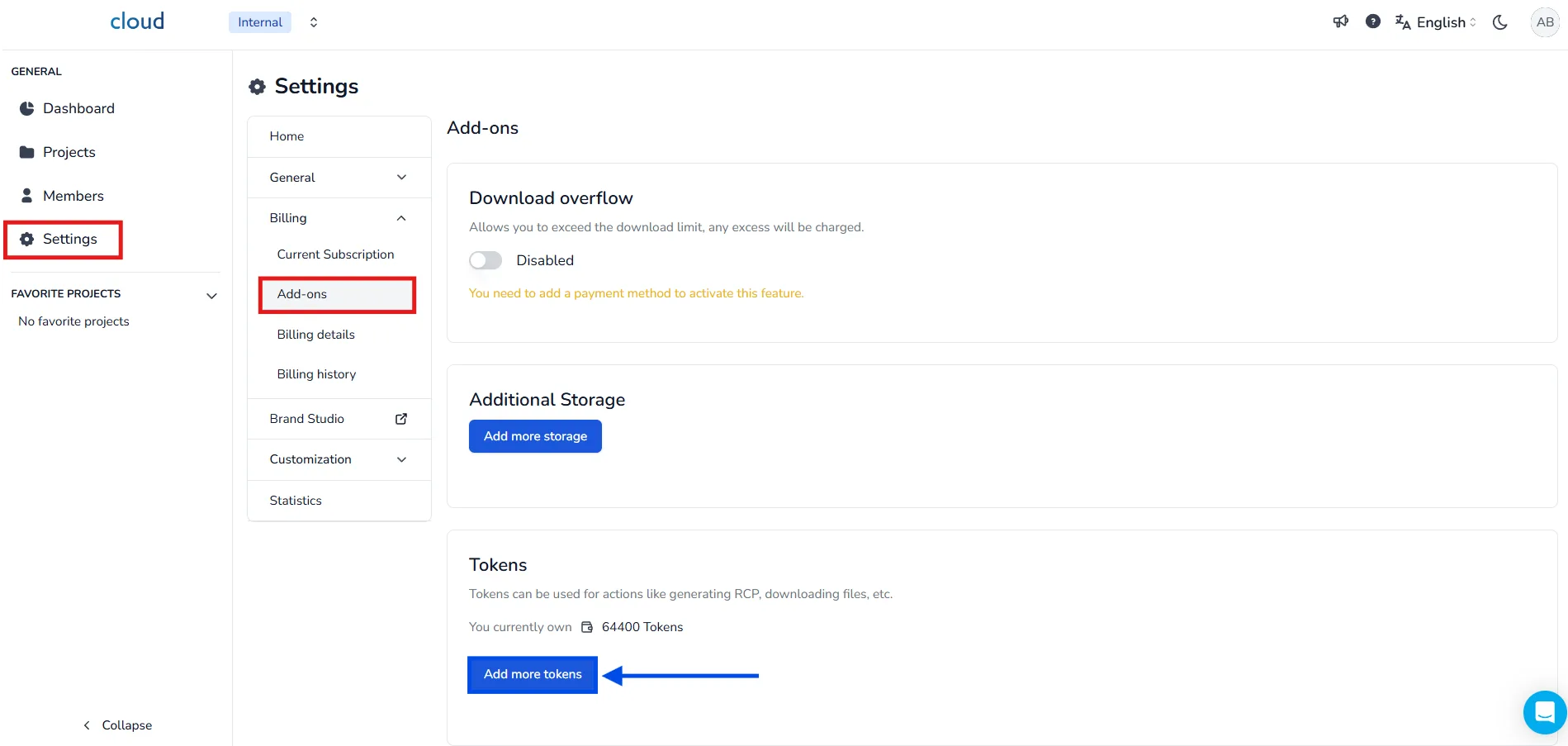
There, you can view your current token balance and click on the Add more tokens button to buy additional tokens.
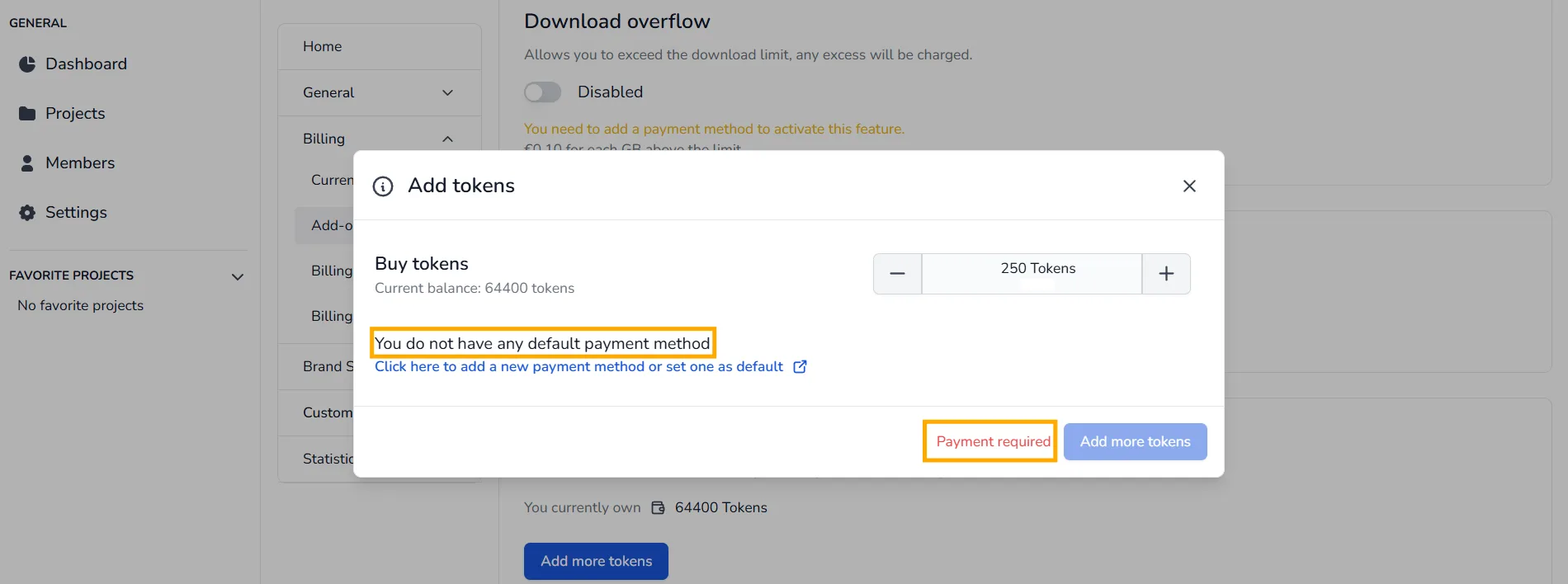
🔔 A valid payment method must be registered beforehand to complete the purchase. If you don't have one, check out the dedicated article.
These tokens will be used to perform certain tasks, such as :
- Add more data for the current month (0.5 token / GB)
- Convert more RCP for the current month (35 tokens / GB)
- Download more data for the current month (1.5 token / GB)
- Analyze your point clouds against your 3D models (50 tokens / Analysis)
- Make an orthoimage (50 tokens / Orthoimage)
- Export 360 images from a ReCap/e57 file (50 tokens / export)
Monthly Token Quota :
Clients subscribed to the Advanced or Enterprise plans automatically receive a monthly allocation of 200 tokens. This quota is refreshed at the beginning of each month, For example:
-
If your balance is 50 tokens, it will be replenished to 200 tokens.
-
If your balance is already 200 tokens or more, it will remain unchanged.
🔔 This ensures that each month you start with a minimum of 200 tokens, allowing you to continue performing advanced tasks such as point cloud analysis, RCP conversions, or 360° image exports.
In case of problem or difficulty, do not hesitate to contact the platform team.