Exporting Annotations in 3 Different Formats (BCF, PDF, CSV)
Annotations can be exported in three widely supported formats BCF, PDF, and CSV to facilitate communication, reporting, and integration with other tools.
To begin, navigate to your project page and click on the Annotations tab.
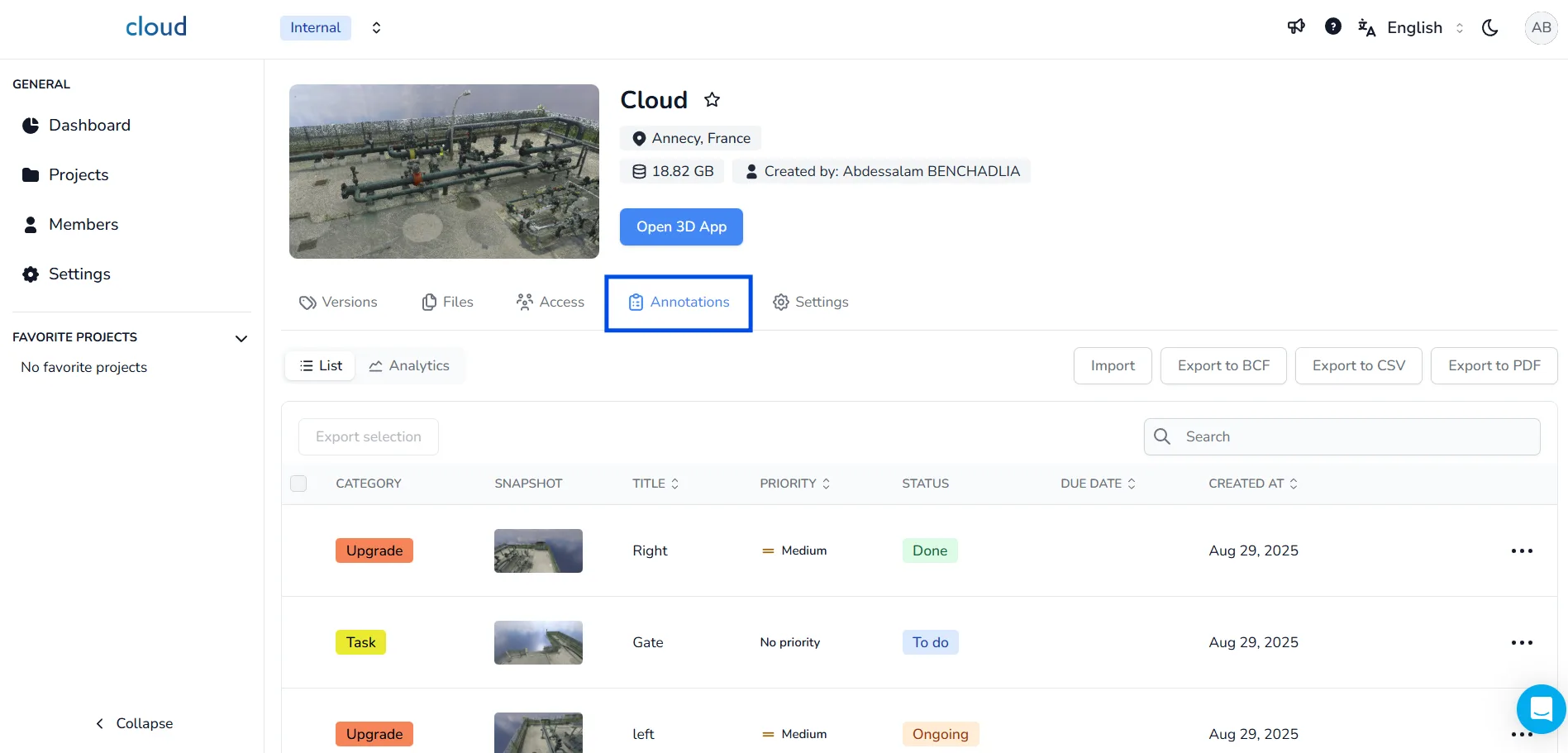
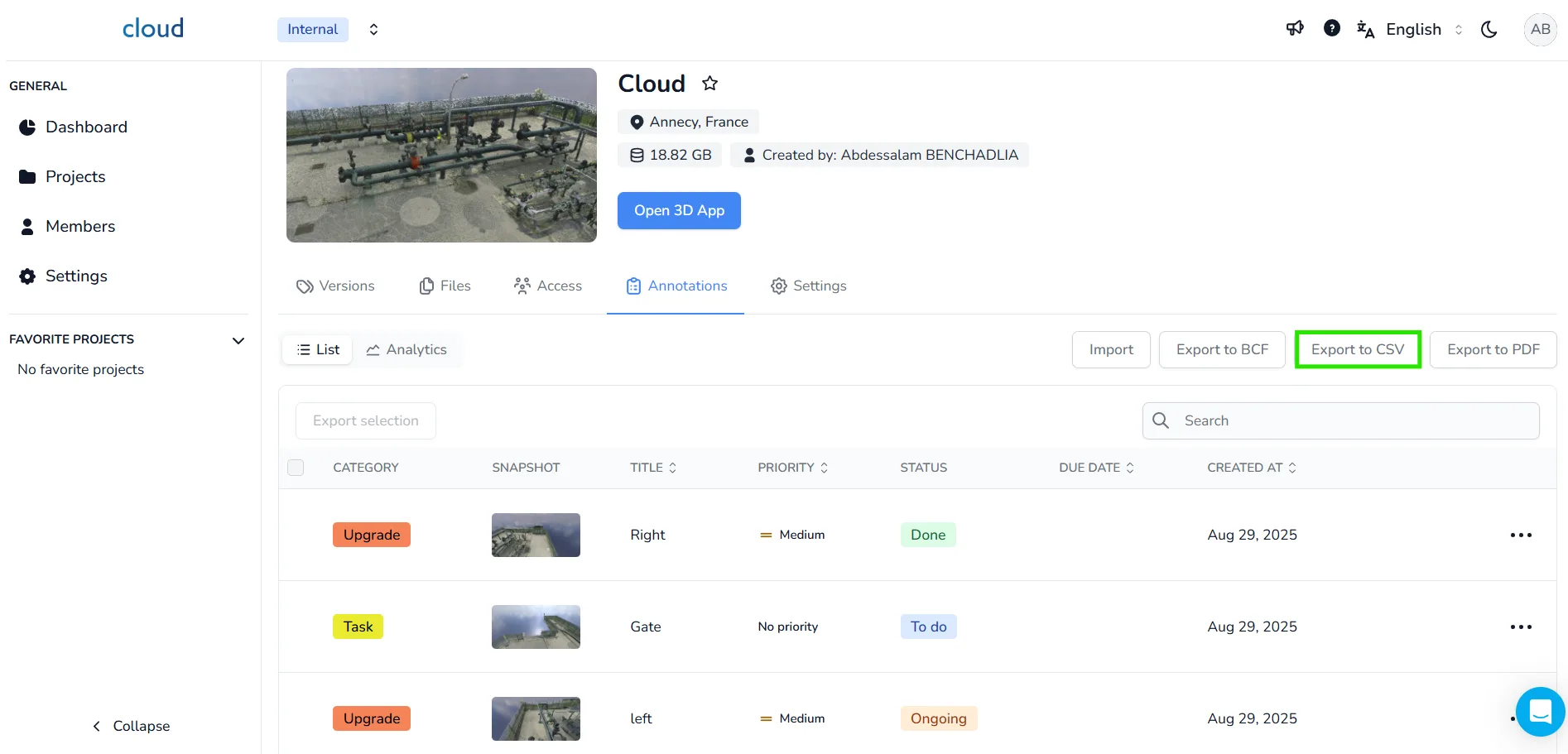
At the top of the annotation list, you'll find the available export formats BCF, CSV, and PDF. An Import button is also available for uploading external BCF annotations.
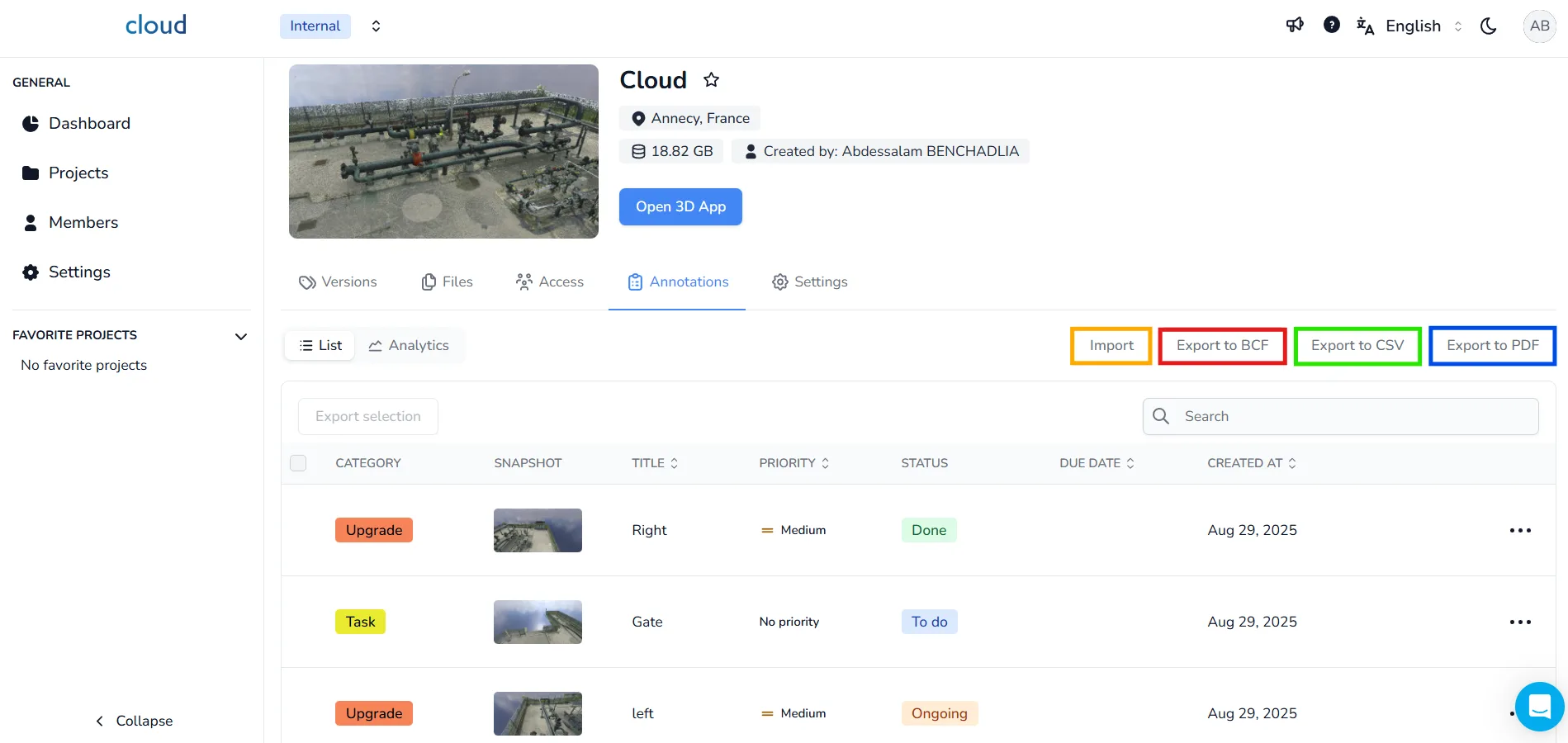
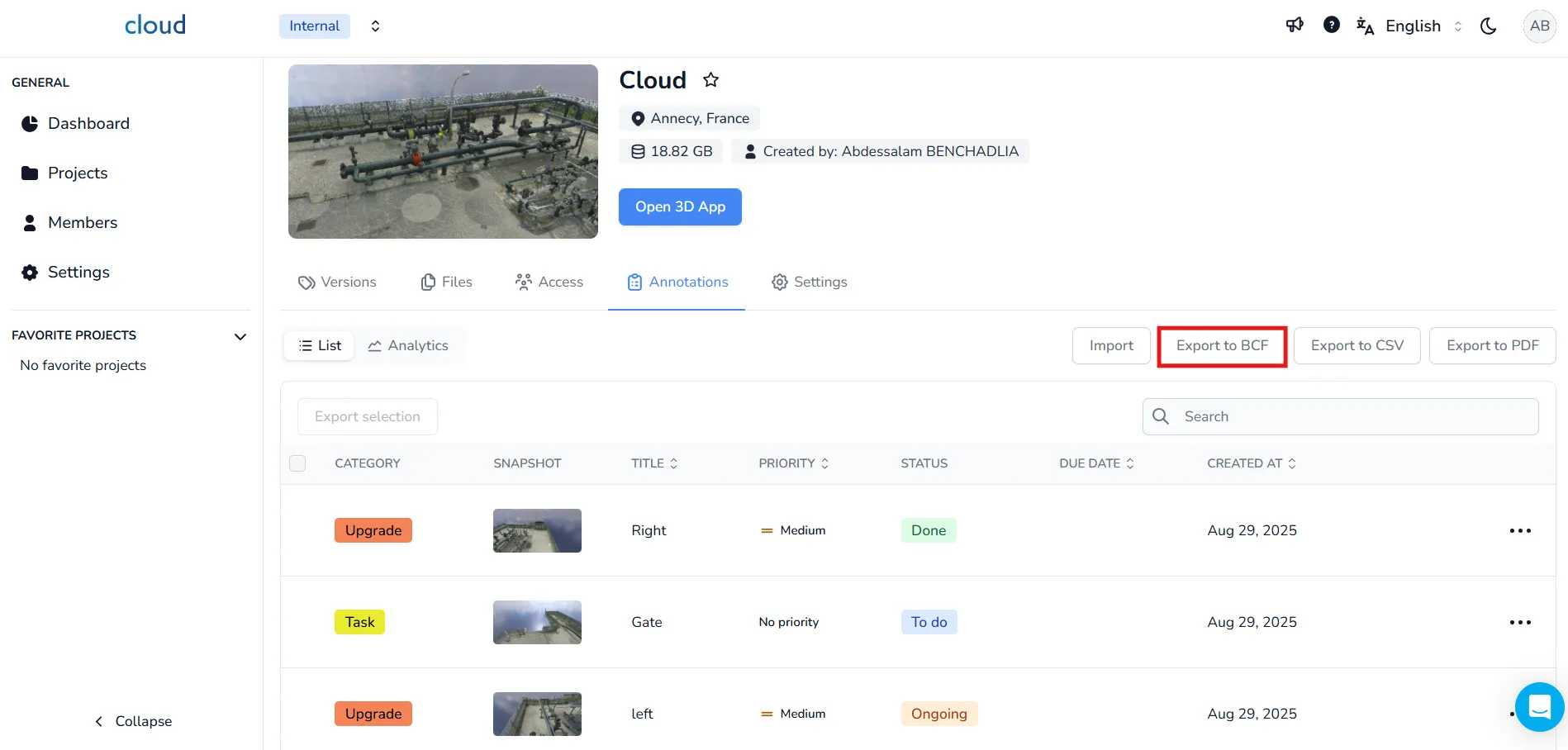
Export to BCF :
The BCF export is the most important one, allowing you to get your annotations and send them to your team. For more information on BCF files, check out our dedicated article. The Export as BCF button automatically exports all annotations available in your project, there is no option allowing you to export only the ones that you want.
If you are importing BCF annotations into Revit, please ensure that your BIMcollab BCF Manager for Revit is updated to version 7.1 or higher to avoid known issues. You can download the latest version of the BIMcollab BCF Manager for Revit using this link: https://helpcenter.bimcollab.com/portal/en/kb/articles/downloads#BIMcollab_Installer
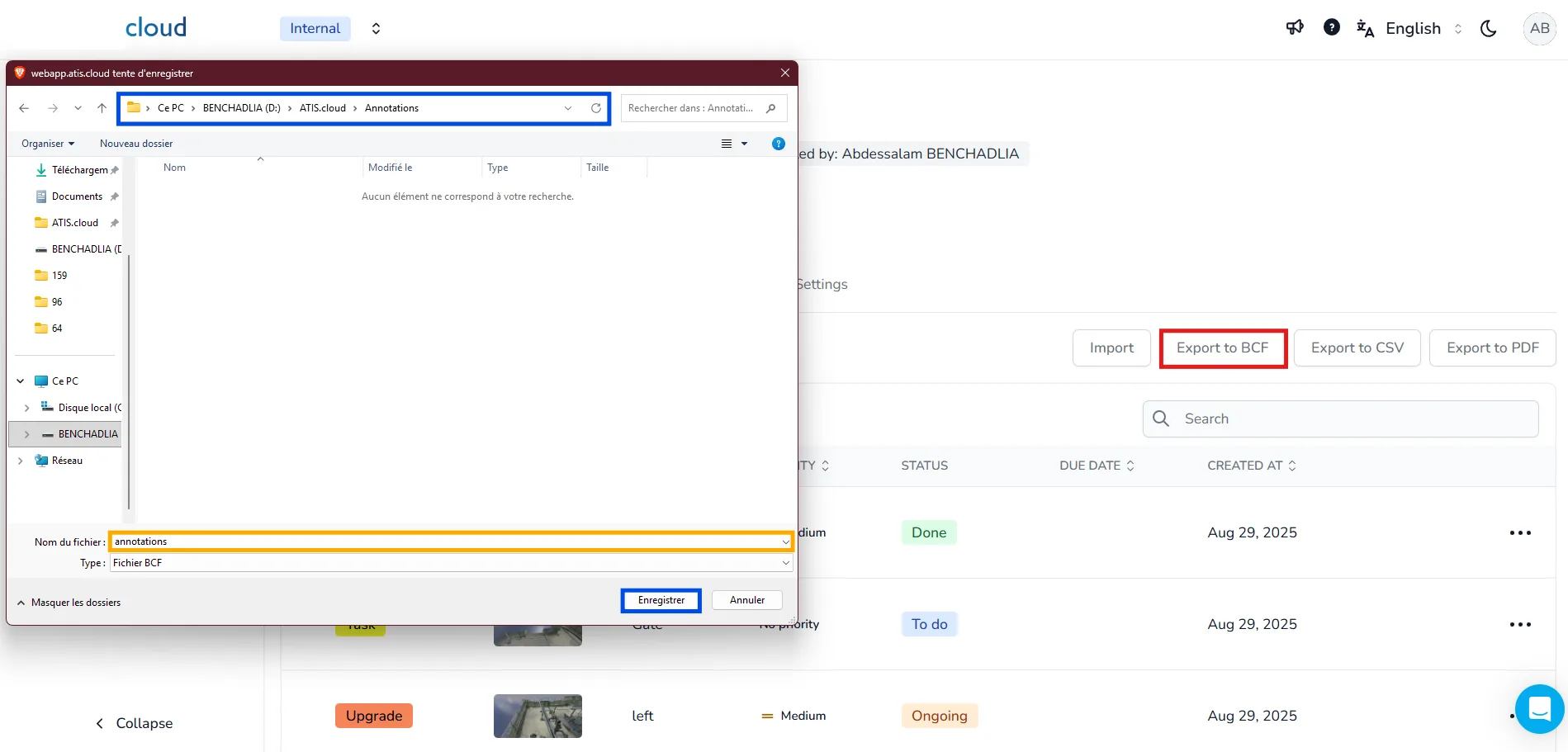
When you click Export to BCF, a file dialog will prompt you to select a folder, name your file, and confirm the export:
Export to PDF :
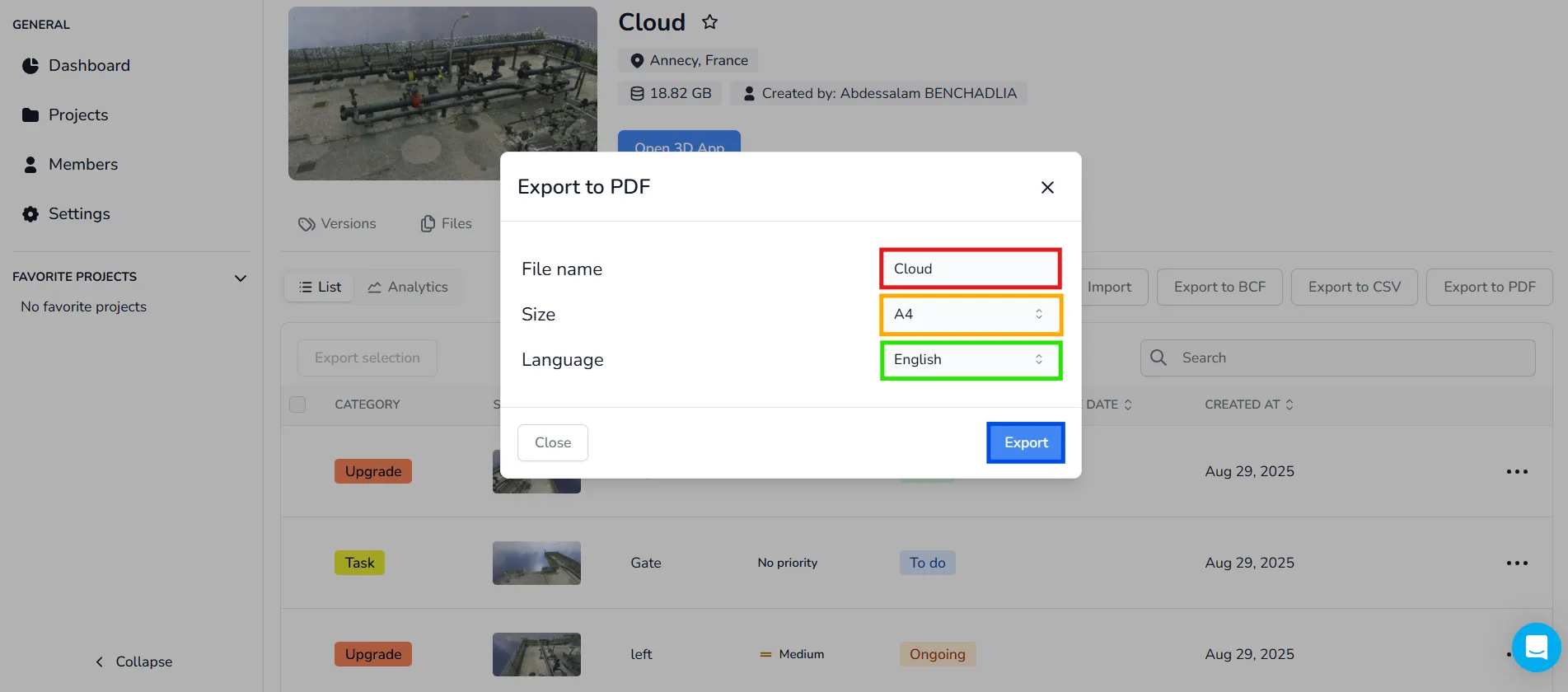
The well known PDF file allows us to give a complete annotation report. Basically, when clicking the Export as PDF, a configuration window allows you to:
- Set the file name
- Choose paper size (A4 or Letter)
- Select the language
Click Export to generate the file.
Export to CSV :
The CSV export was created so you could easily check out all annotations in a simple table. Clicking the Export to CSV button will export all annotations currently displayed on the project.
In case of problem or difficulty, do not hesitate to contact the platform team.