Image and PDF underlays
An underlay is a scanned plan, a photo or a PDF that you place under your drawing to trace it. It is the classic starting point when all you have is paper.
Place an underlay
- Open the Insert tab.
- In Underlays, click Image... for a picture file, or PDF (underlay) for a PDF page.
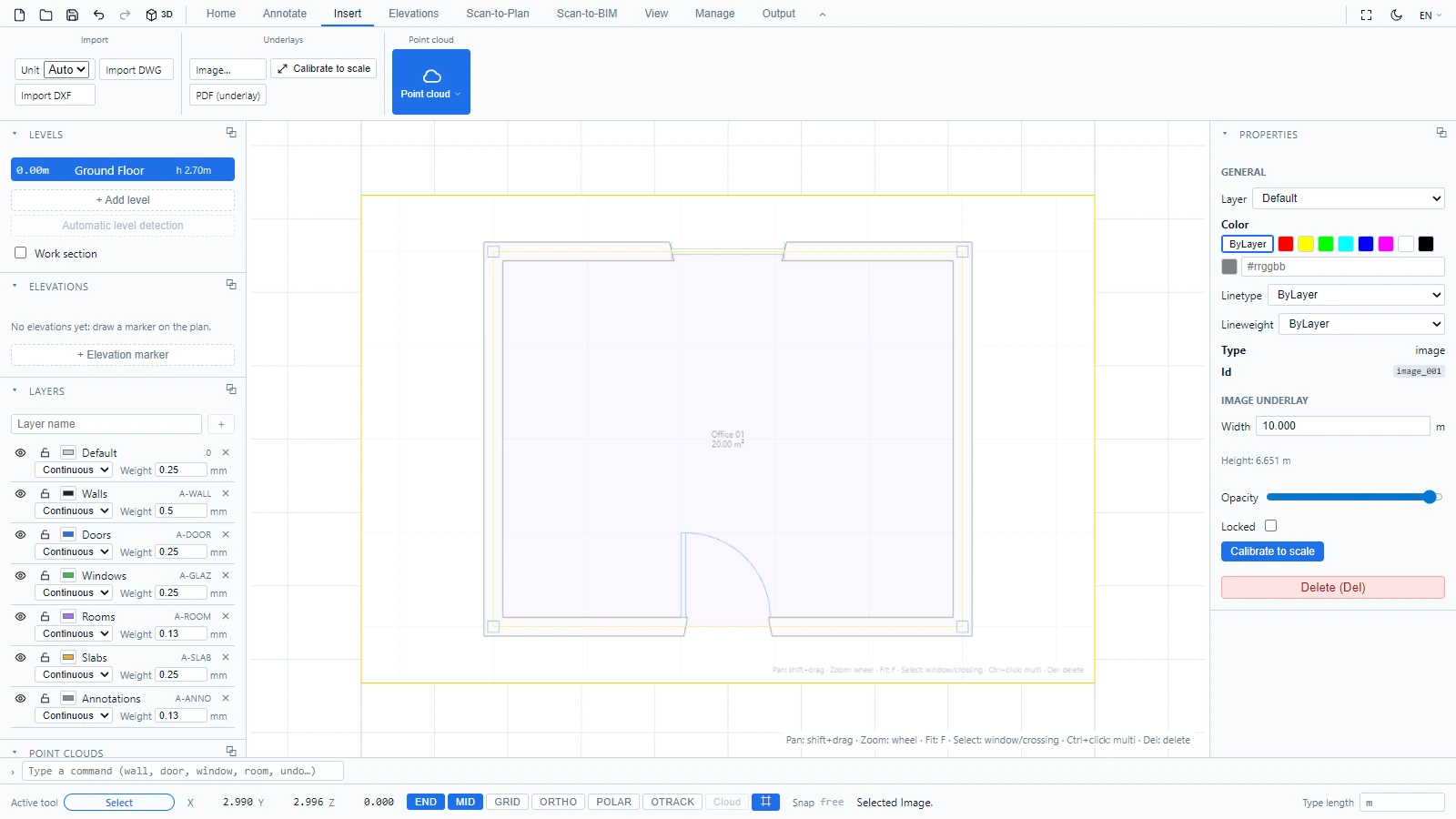
Select the underlay like any object to adjust it in the Properties panel, opacity included, or to lock it so your clicks go through it while you trace.
Calibrate it to real dimensions
A scan has pixels, not meters. Give it a scale:
- Select the image underlay.
- In Insert > Underlays, click Calibrate to scale.
- Click two points with a known real distance, the two ends of a wall you know for example.
- The status bar asks for the real distance in meters: type it and press Enter.
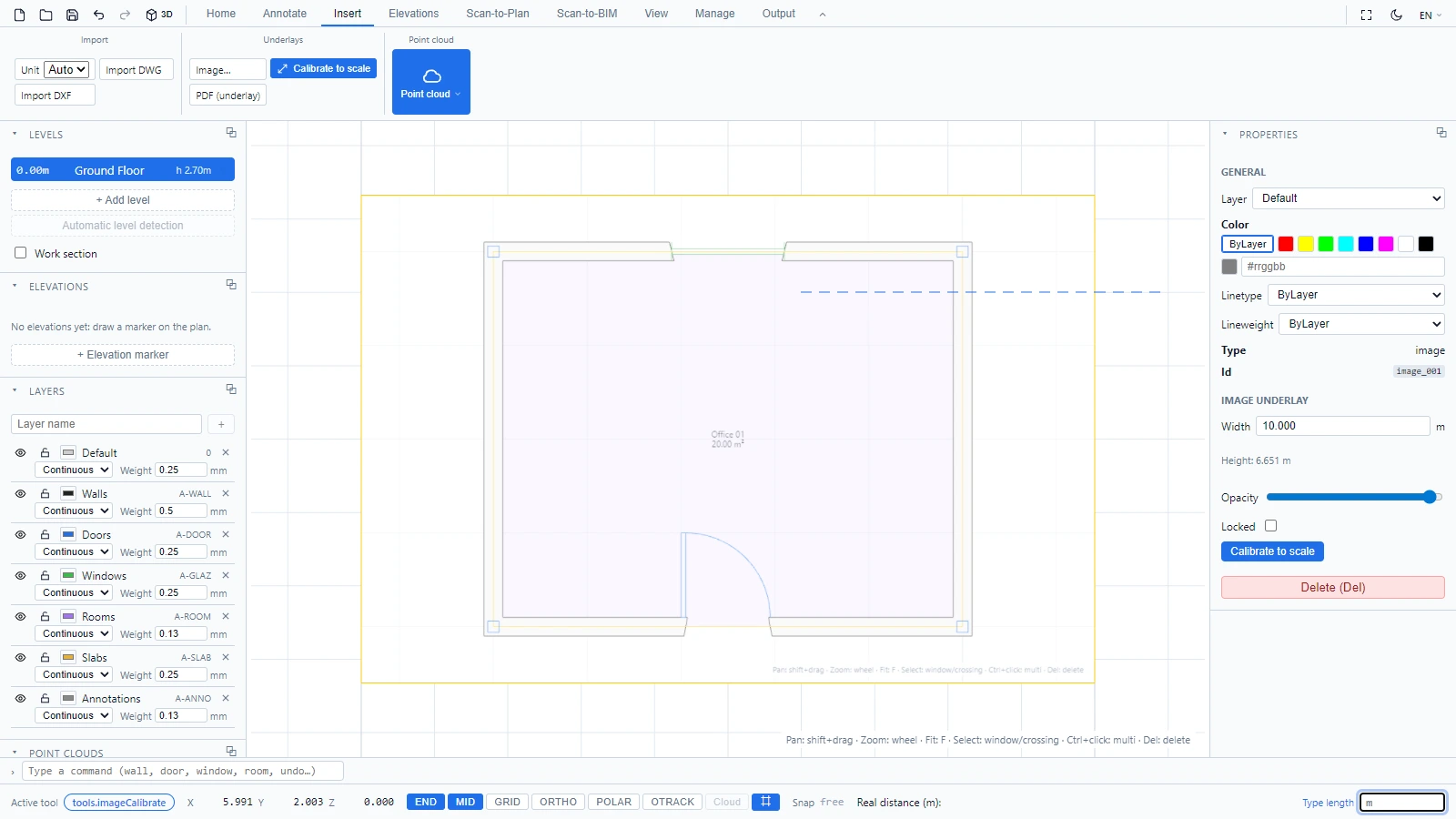
The underlay is rescaled so that your two points sit exactly that far apart. From there, trace walls over it with confidence (see Draw walls), and check any distance with Measure.
If the underlay is locked, unlock it first: the status bar reminds you when calibration is refused for that reason.
If you have any questions or need further information, please contact the technical team.