Arrange the view and the workspace
The View tab

- Navigation: Zoom extents frames the whole drawing (same as pressing F), and 3D toggles the 3D view.
- Palettes: one button per panel (Levels, Layers, Point clouds, Project, Sheets, Schedules, Properties and the Scan-to-BIM palettes). Highlighted buttons are the open ones. Reset layout puts every panel back in its default position.
Each panel also has its own header buttons to collapse it or float it as a movable palette, so you can keep just what your current task needs.
Compact ribbon
The arrow at the right end of the tab row minimizes the ribbon to its tabs, which frees vertical space on small screens:

Click the arrow again to restore it. The tabs keep working while minimized.
Dark mode and language
The moon button at the top right switches the editor to dark mode:
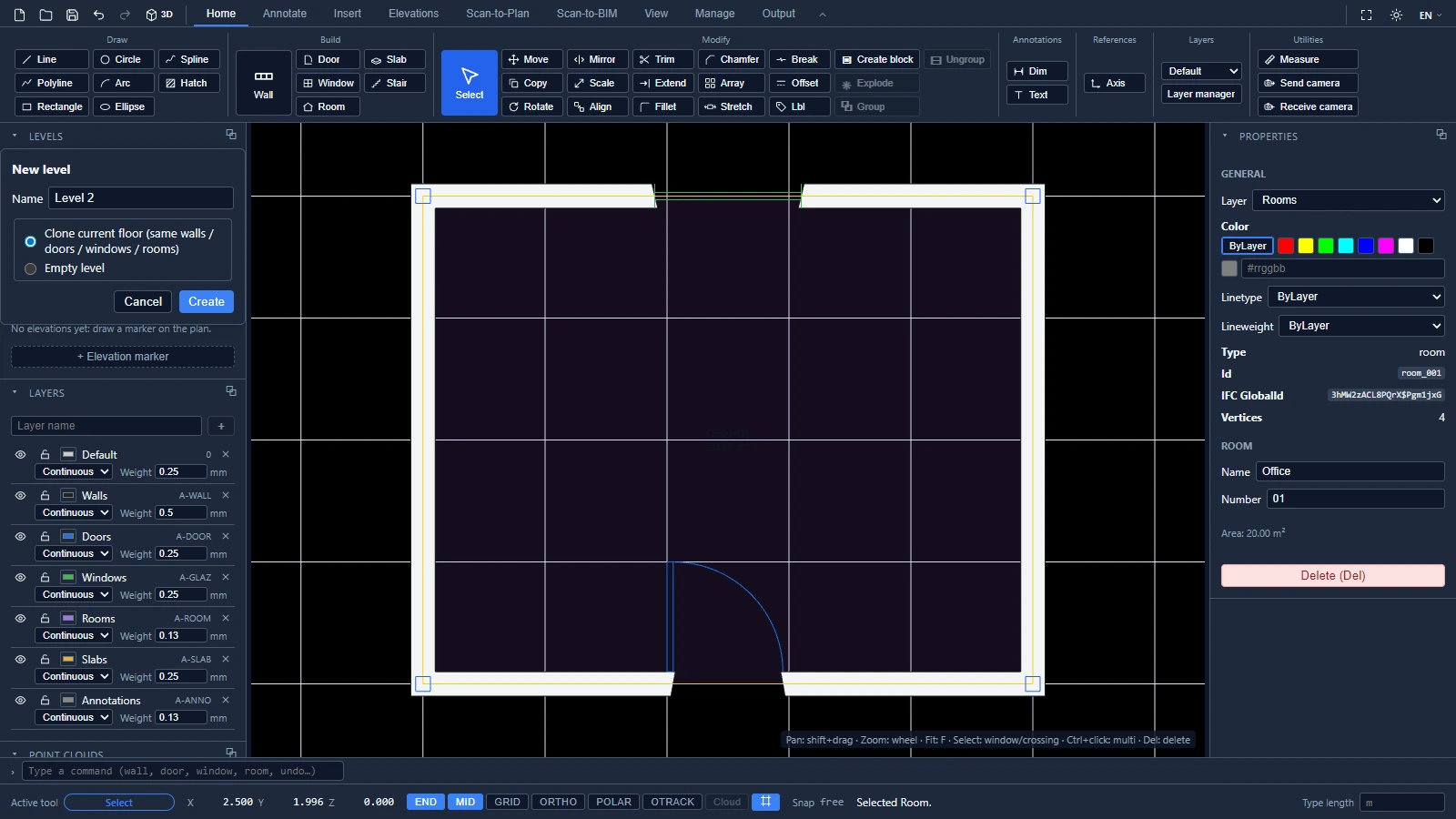
Next to it, the language selector changes the interface language on the spot. ATIS.cad ships in 15 languages, and the vocabulary follows the Autodesk terminology in each of them.
If you have any questions or need further information, please contact the technical team.