Measure and reference axes
Measure
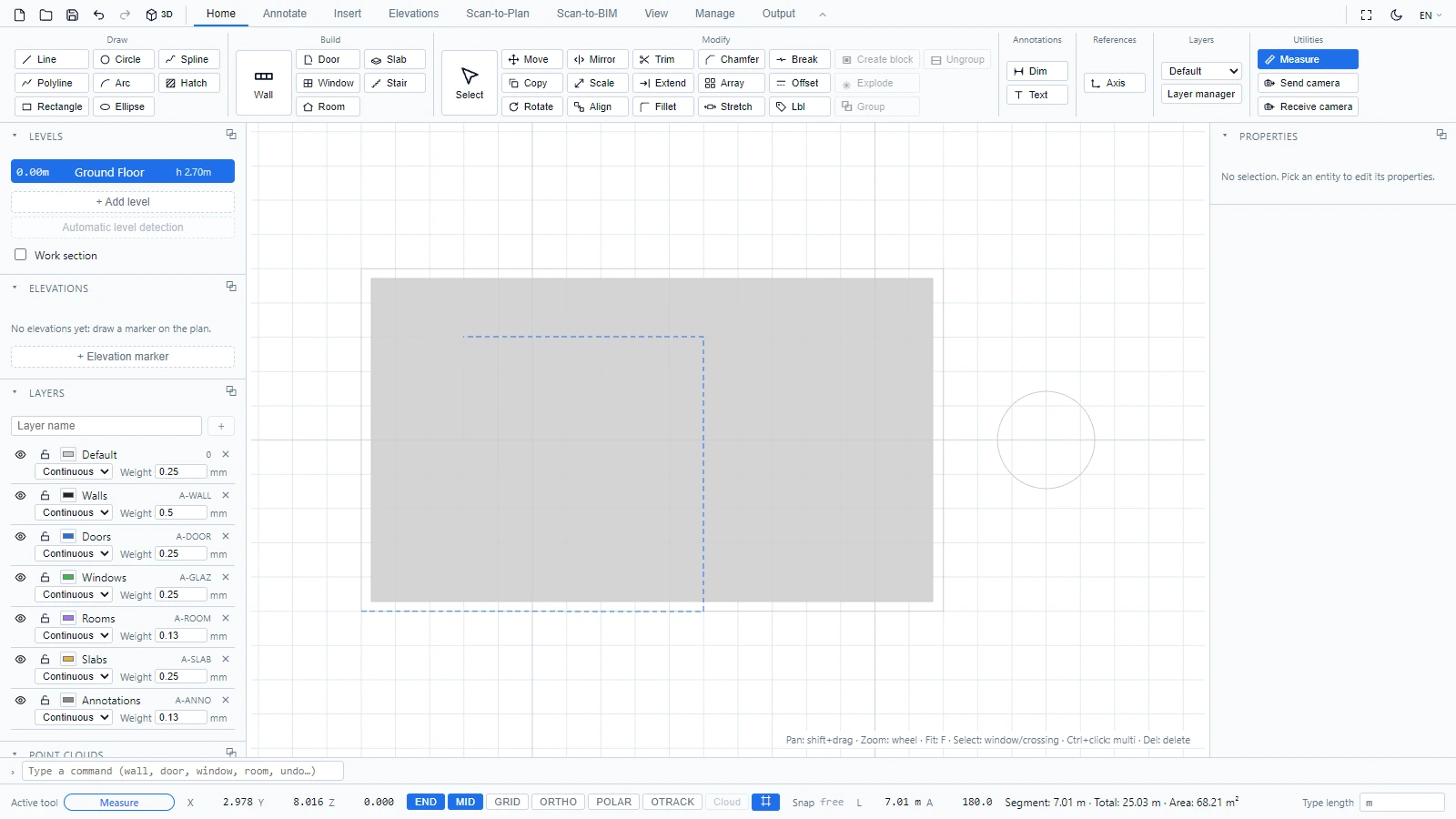
When you just need a number, not a dimension entity:
- Click Measure in Home > Utilities (or type
measure, or the AutoCAD codedi). - Click points along what you want to measure.
The status bar keeps a running readout: the current segment length, the total, and the enclosed area once you have three or more points. Right-click or Escape resets the measurement. Nothing is added to the drawing.
Reference axes
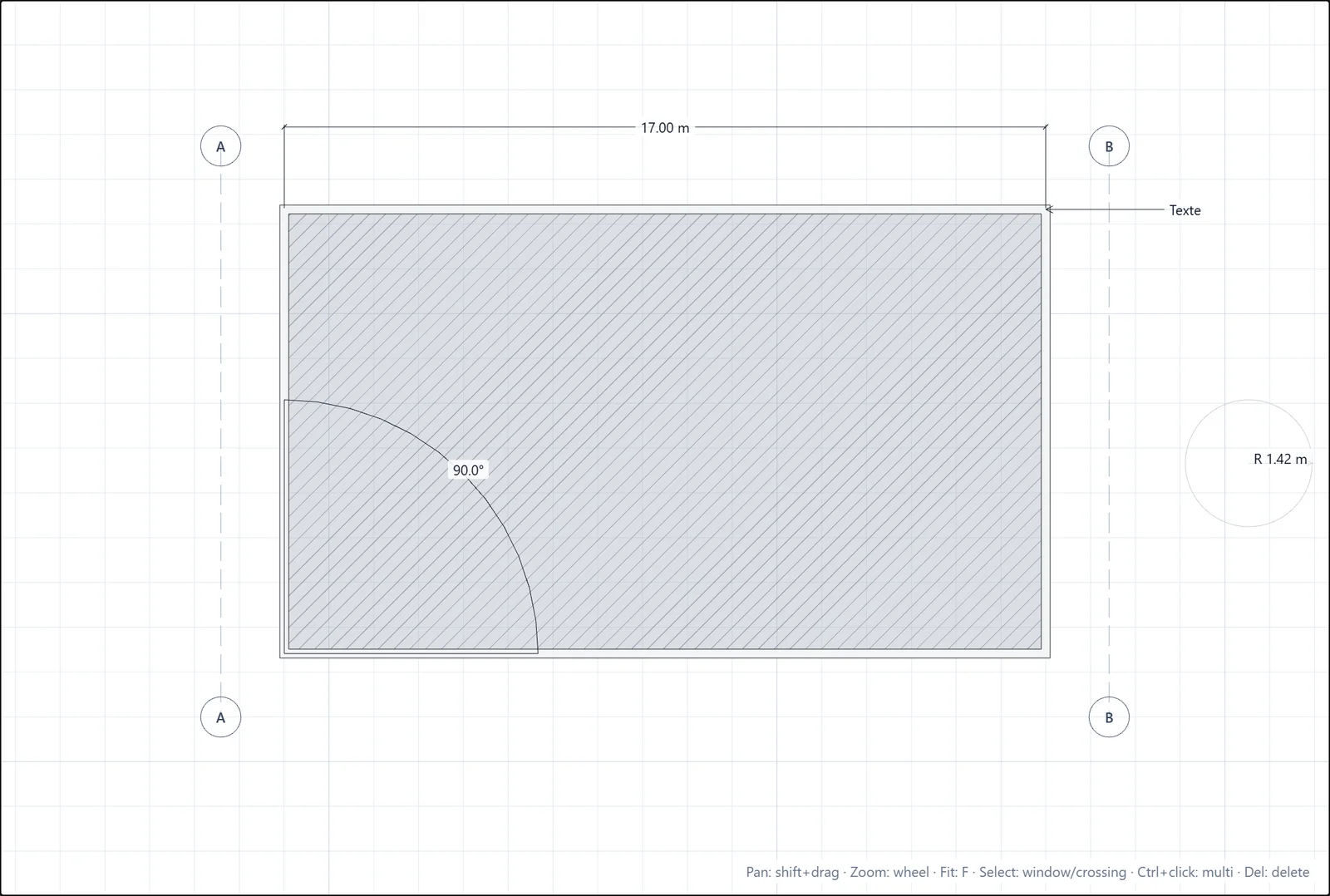
Axes are the lettered reference lines of construction drawings. In Home > References:
- Click Axis.
- Click the two endpoints of the axis.
Each axis gets its letter automatically (Axis A, Axis B...) and shows it in a bubble at both ends.
If you have any questions or need further information, please contact the technical team.