Stairs
Create a straight stair
- In Home > Build, click Stair (or type
stair). - Click the start of the stair.
- Click the end, in the going-up direction.
The stair is generated with its steps, and the status bar tells you how many, for example "Stair created (21 steps)". The longer the stair, the more steps it holds.
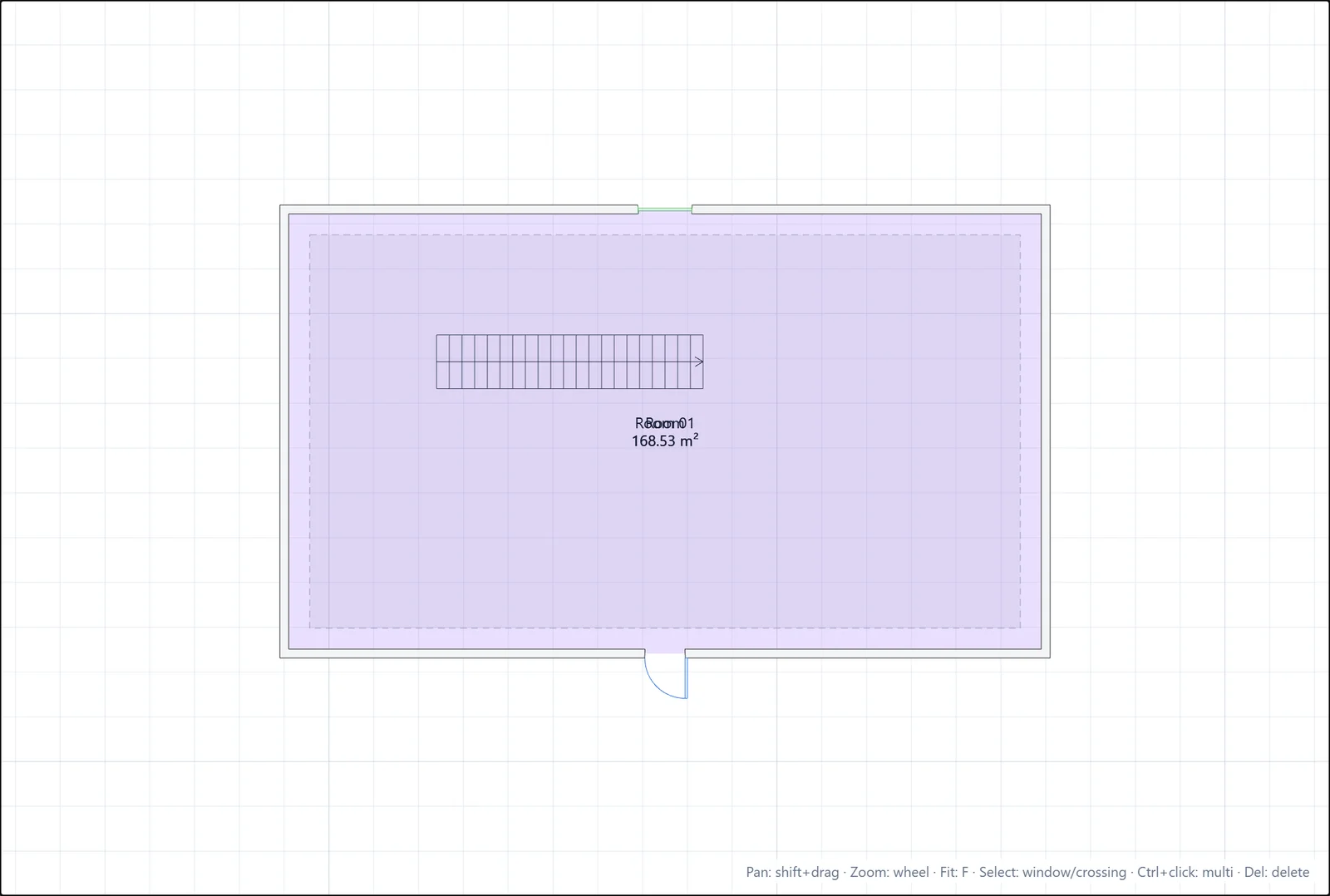
Check it in 3D
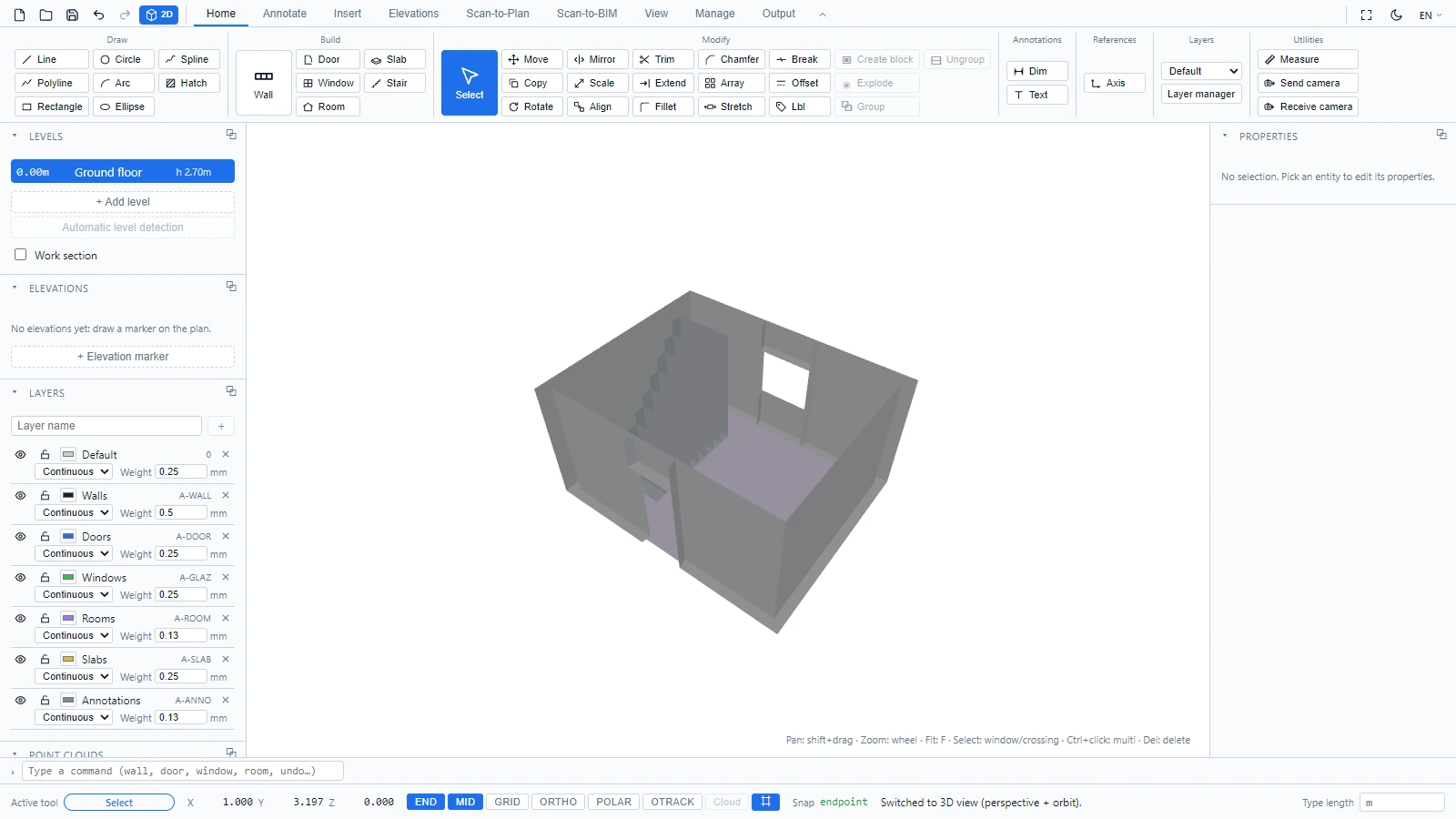
Switch to the 3D view (the 3D button in the quick access toolbar) to see the stair climb between levels.
If you have any questions or need further information, please contact the technical team.