Rooms and slabs
Rooms
A room carries a name, a number and a computed area. There are two ways to get one:
- Automatically: when your walls close a contour, the room is detected on the spot (see Draw walls).
- Manually: in Home > Build, click Room (shortcut R), then click inside a closed wall contour. If nothing happens, the status bar tells you "No closed contour at this point": check that your walls really touch.
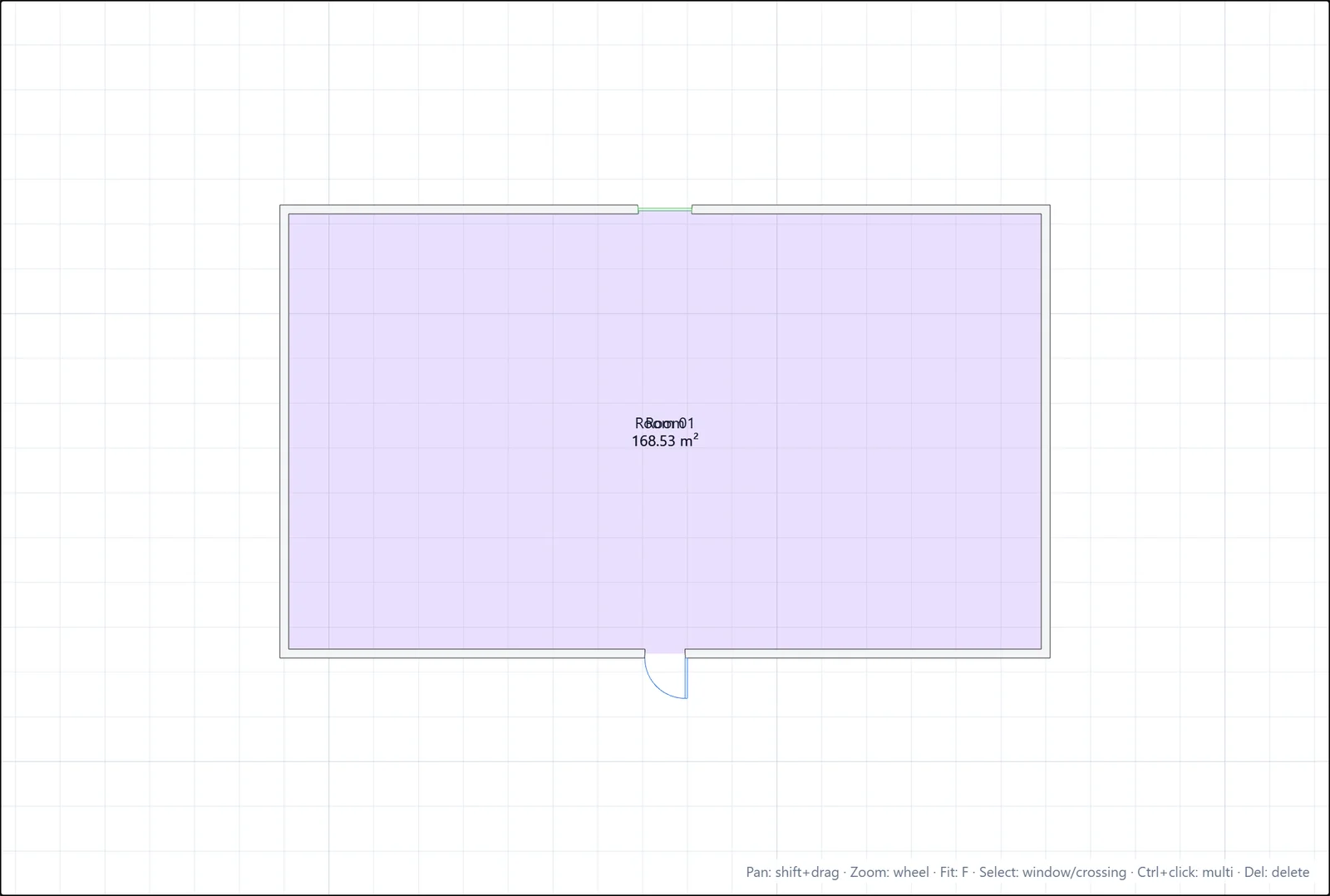
Select the room to rename or renumber it in the Properties panel. The area updates by itself when you move the surrounding walls.
The room label can sit anywhere: click Lbl in Home > Modify, click the room, then click the new label position.
Slabs
Slabs are the floor plates of your model. They show as outlines in 2D and as solid plates in 3D.
- In Home > Build, click Slab (or type
slab). - Click the boundary vertices one by one.
- Click the first point again to close the boundary. The slab needs at least 3 vertices.
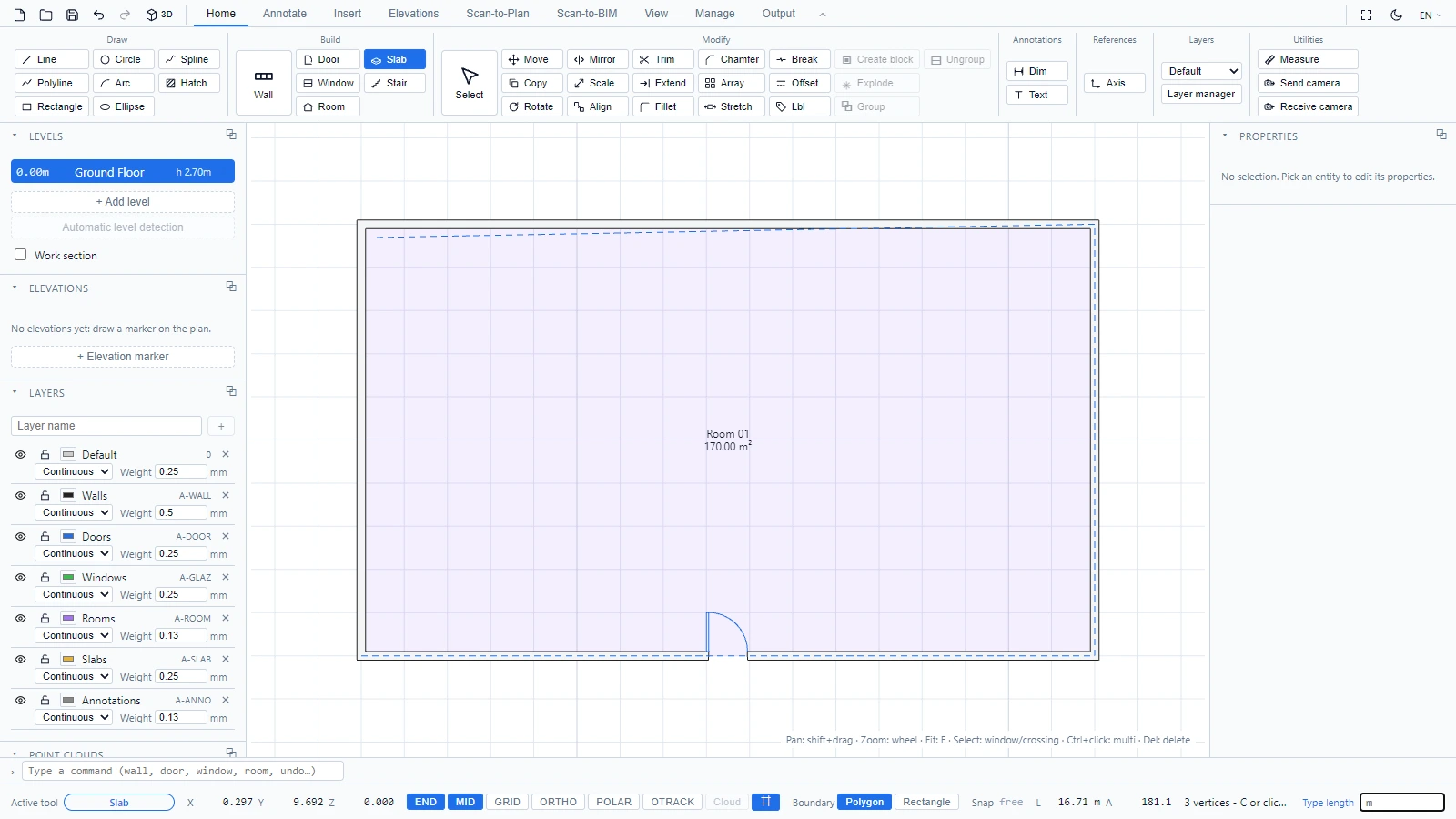
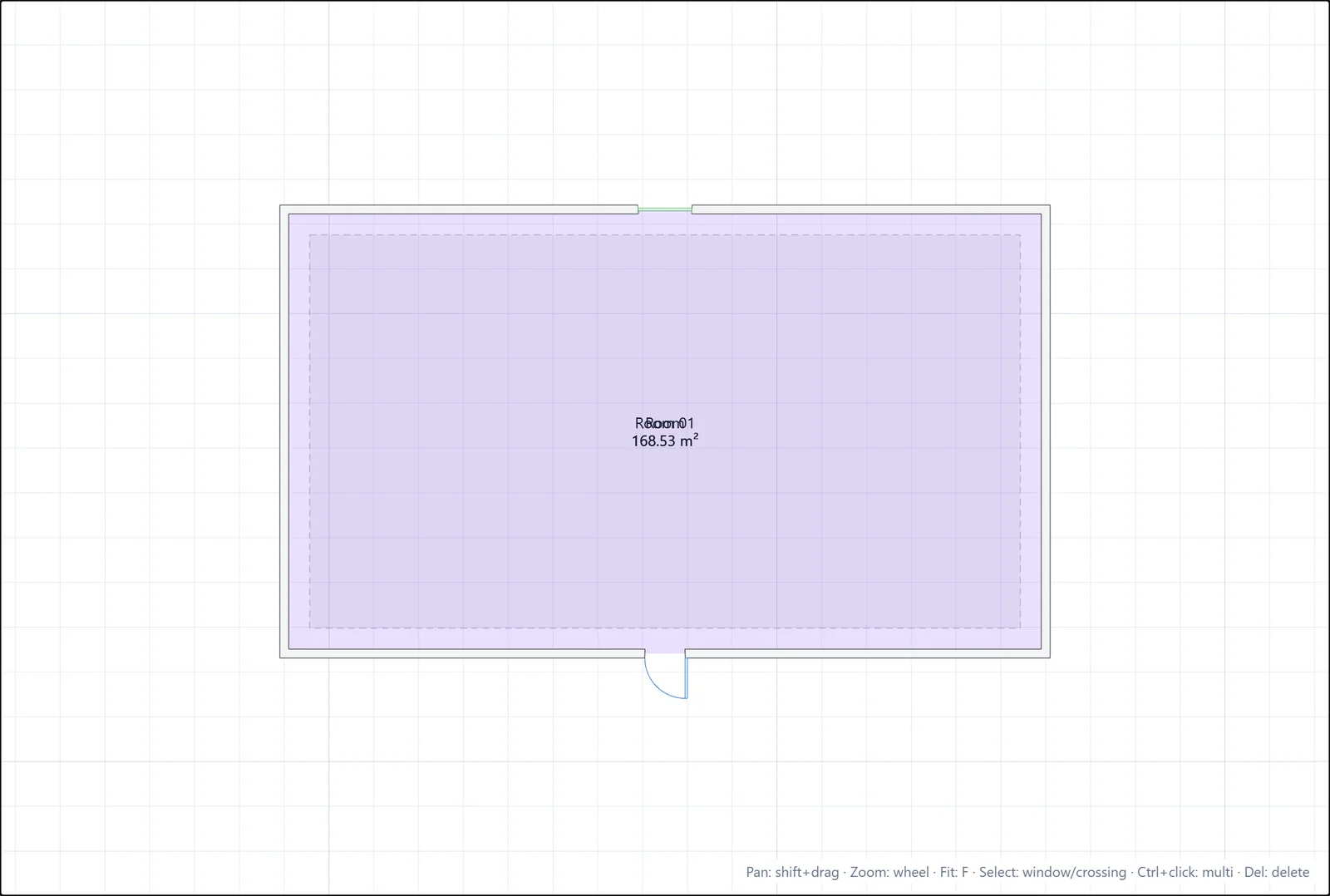
Select a slab to check its level in the Properties panel.
If you have any questions or need further information, please contact the technical team.